Introducing ex_ratatui
Cook up delicious terminal user interfaces in Elixir.
ex_ratatui lets you build rich terminal UIs in Elixir using a LiveView-inspired API, powered by Rust’s ratatui under the hood.
The story
So I’m a pro-terminal user. Maybe you already noticed it!?
And I love TUIs (terminal user interfaces) as they allow you to do your own stuff in your own way and not leave the terminal ever! That’s the whole idea, isn’t it? And a browser, ok, yes.
Well, I met ratatui a while ago when I was on my Rust-heavy times, and got impressed by how easy it was to build stuff. It just worked like a charm. I even built some nice TUI for the company I was working for to inspect PDF files and parse them into the app.
Then one day I was looking to build some slides on the terminal and started using ratatui again (for that I actually really recommend - presenterm). But then I thought… why not use Elixir to build the TUI with the LiveView API that we all know, and just leverage ratatui behind the scenes to do its thing?
So yeah. That’s how ex_ratatui was born.
How it works
mount, render, handle_event — the callbacks you already know from LiveView, but for the terminal. Add it to your supervision tree and you’re done.
defmodule Counter do
  use ExRatatui.App

  alias ExRatatui.Layout
  alias ExRatatui.Layout.Rect
  alias ExRatatui.Style
  alias ExRatatui.Widgets.{Block, Paragraph}

  @impl true
  def mount(_opts) do
    {:ok, %{count: 0}}
  end

  @impl true
  def render(%{count: count}, frame) do
    [header, body, footer] =
      Layout.split(
        %Rect{x: 0, y: 0, width: frame.width, height: frame.height},
        :vertical,
        [{:length, 3}, {:min, 0}, {:length, 1}]
      )

    title = %Paragraph{
      text: "ExRatatui Counter",
      style: %Style{fg: :cyan, modifiers: [:bold]},
      alignment: :center,
      block: %Block{borders: [:all], border_type: :rounded}
    }

    counter = %Paragraph{
      text: "Count: #{count}\n\n↑/↓ to change, q to quit",
      style: %Style{fg: :green},
      alignment: :center,
      block: %Block{
        title: " Try it! ",
        borders: [:all],
        border_style: %Style{fg: :yellow}
      }
    }

    hint = %Paragraph{
      text: "Built with ExRatatui 🍻",
      style: %Style{fg: :dark_gray},
      alignment: :center
    }

    [{title, header}, {counter, body}, {hint, footer}]
  end

  @impl true
  def handle_event(%ExRatatui.Event.Key{code: "q"}, state), do: {:stop, state}
  def handle_event(%ExRatatui.Event.Key{code: "up"}, state), do: {:noreply, %{state | count: state.count + 1}}
  def handle_event(%ExRatatui.Event.Key{code: "down"}, state), do: {:noreply, %{state | count: state.count - 1}}
  def handle_event(_event, state), do: {:noreply, state}
end
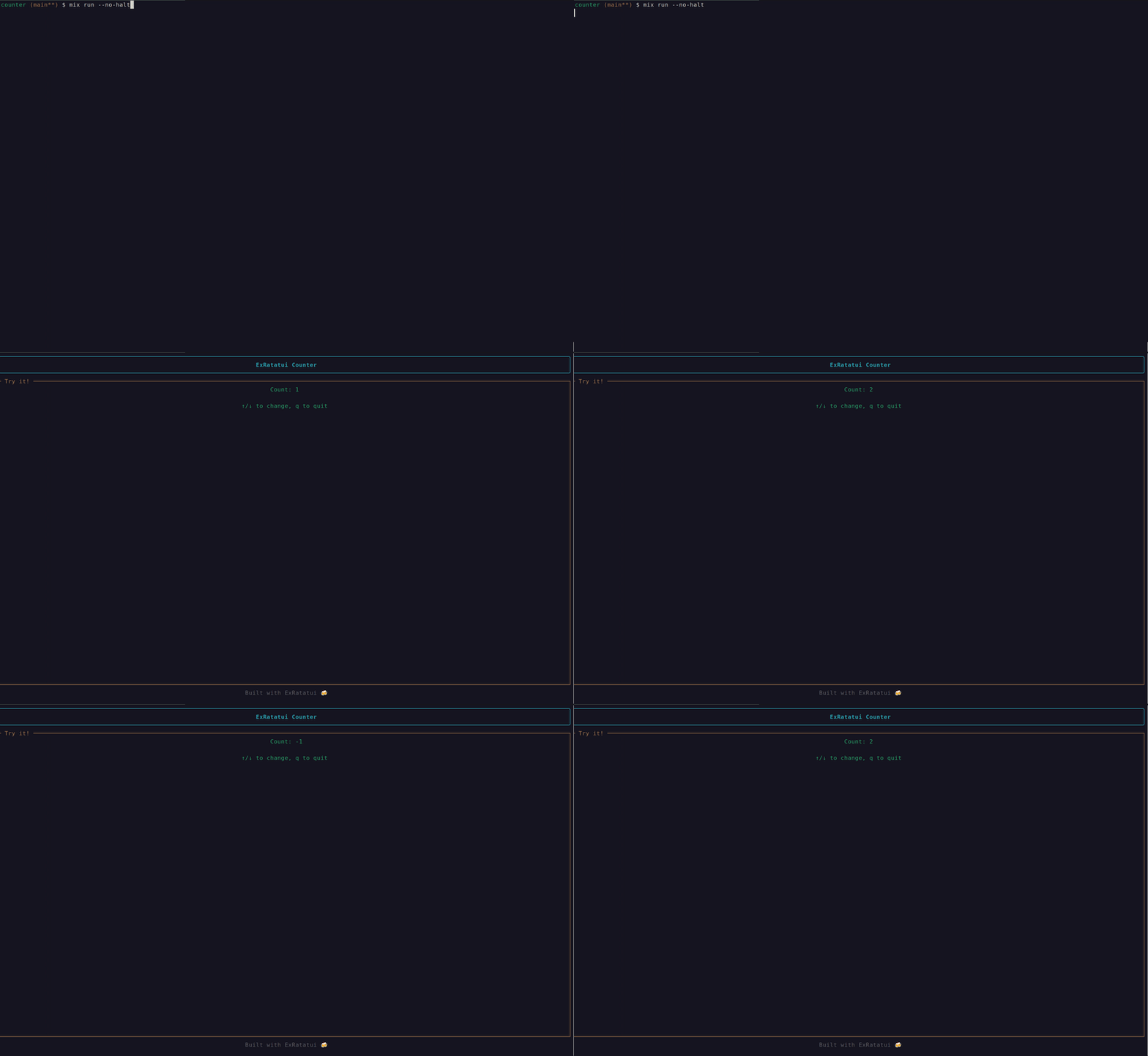
And here it is in action:
What’s next
It’s a very first version. There are ways to improve this in all directions. There’s plenty to consider: more widgets, better event handling, better distribution, you name it.
What makes Elixir great is the community, so everything is extremely absolutely more than welcome! Open an issue, send a PR, or just try it out and let me know what you think.
Happy TUI coding!